> For the complete documentation index, see [llms.txt](https://docs.lan.kokomocloud.com/llms.txt). Markdown versions of documentation pages are available by appending `.md` to page URLs; this page is available as [Markdown](https://docs.lan.kokomocloud.com/managing-team-members.md).
# チームメンバーの管理
この画面を使用して、組織/ネットワーク用のユーザーアカウントを表示、管理、作成します。
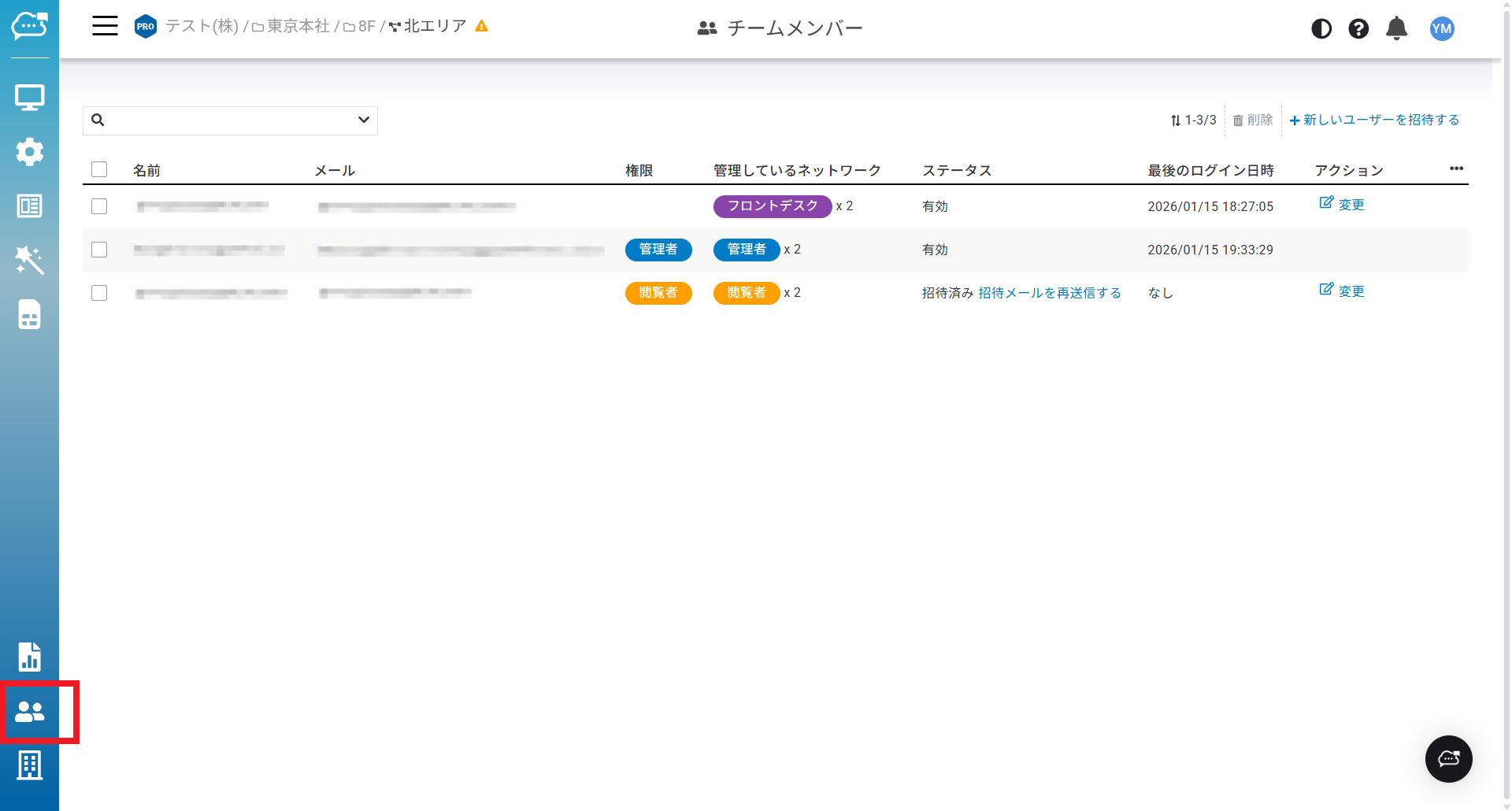
「**チームメンバー**」のアイコンをクリックして、この画面にアクセスしてください。
チームメンバーのページには、各メンバーに関する以下の情報が含まれています:
* **名前**:メンバー名。
* **メール**:メンバーのメールアドレス。
* **権限**:メンバーの組織権限。
* **管理しているネットワーク**:メンバーのネットワーク権限の数が表示されます。権限バッジにカーソルを合わせると、管理しているネットワークが表示されます。
* **ステータス**:メンバーアカウントのステータス。「有効」はメンバーが新規登録を完了していることを意味します。「招待済み」は、招待メールが送信されているものの、メンバーがまだ新規登録を完了していないことを意味します。
* **最後のログイン日時**:ユーザーが最後にログインした時間。
* **アクション**:クリックしてメンバー権限を変更します。
## 新しいメンバーを招待する
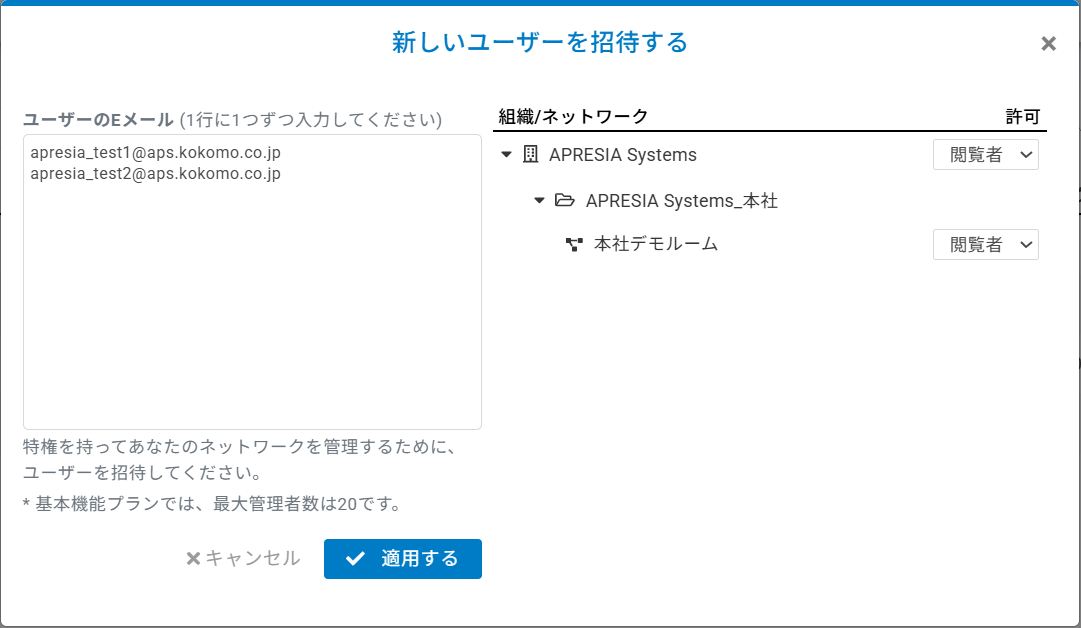
複数のユーザーを招待し、組織ツリー全体に対して一度に権限を割り当てることができます。
1. ユーザーのメールアドレスを1行に1つ入力します。
2. ネットワークまたは組織のメンバー権限を割り当てます。
3. 「**適用する**」をクリックして変更を保存します。
## メンバー権限の変更
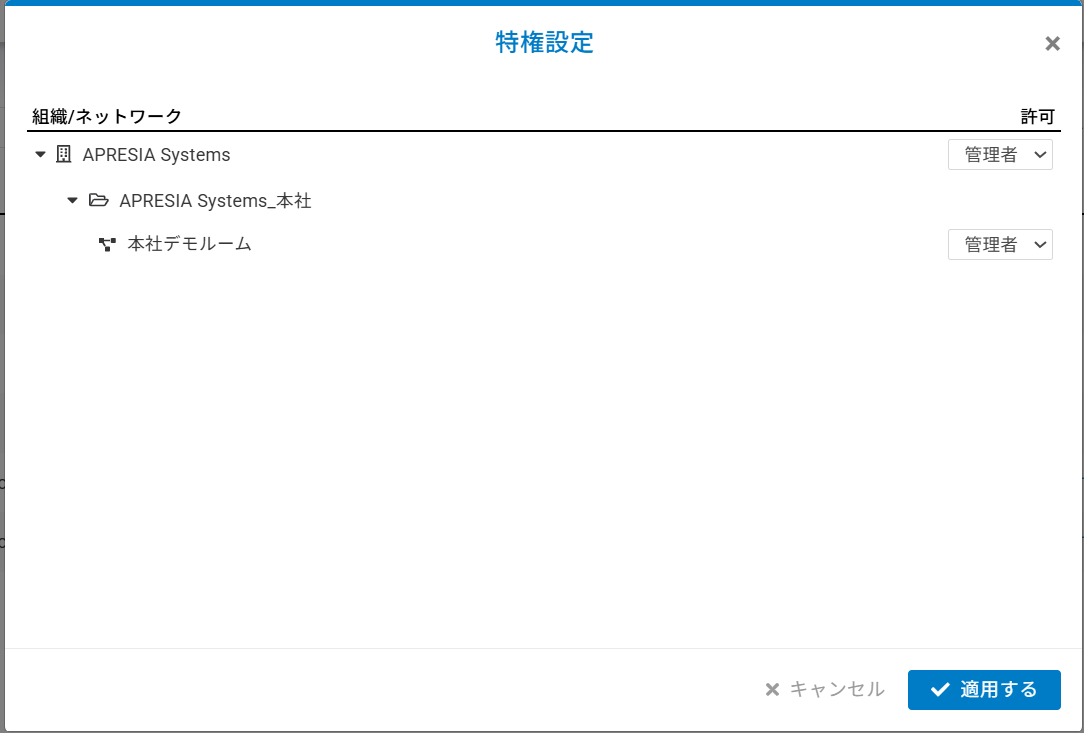
1. 「**変更**」をクリックします。
2. 組織ツリーに基づいて権限を変更します。
3. 「**適用する**」をクリックします。
## メンバーの削除
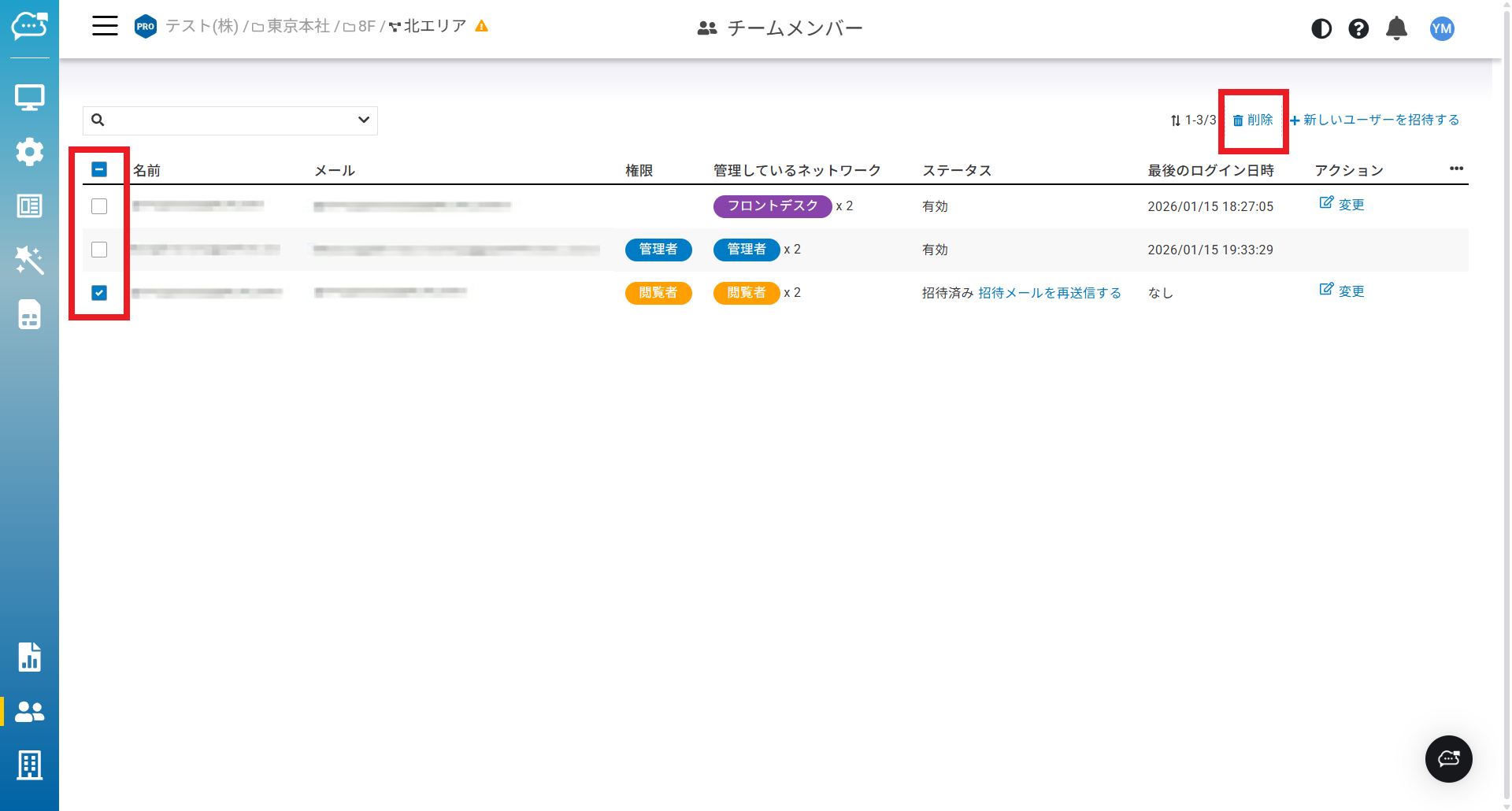
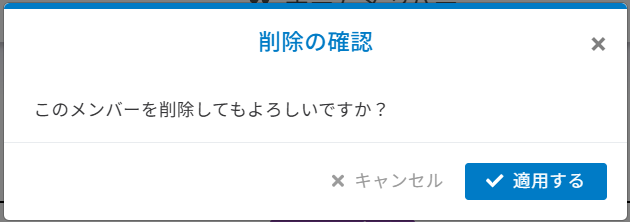
登録済みのメンバーを削除するには、削除するメンバーを選択し「**削除**」をクリックします。
表示される確認ダイアログで「**適用する**」をクリックします。
---
# Agent Instructions
This documentation is published with GitBook. GitBook is the documentation platform designed so that both humans and AI agents can read, navigate, and reason over technical content effectively. Learn more at gitbook.com.
## Querying This Documentation
If you need additional information that is not directly available in this page, you can query the documentation dynamically by asking a question.
Perform an HTTP GET request on the current page URL with the `ask` query parameter, and the optional `goal` query parameter:
```
GET https://docs.lan.kokomocloud.com/managing-team-members.md?ask=&goal=
```
`ask` is the immediate question: it should be specific, self-contained, and written in natural language.
`goal` is optional and describes the broader end goal you are ultimately trying to accomplish on behalf of the user. GitBook uses it to tailor the answer towards what is most useful for that goal.
The response will contain a direct answer to the question and relevant excerpts and sources from the documentation.
Use this mechanism when the answer is not explicitly present in the current page, you need clarification or additional context, or you want to retrieve related documentation sections.