> For the complete documentation index, see [llms.txt](https://docs.lan.kokomocloud.com/llms.txt). Markdown versions of documentation pages are available by appending `.md` to page URLs; this page is available as [Markdown](https://docs.lan.kokomocloud.com/managing-devices/device-map-location.md).
# デバイスマップ位置情報
この画面では、世界地図上でデバイスの位置が特定され、空間とKOKOMOデバイスの関係性を確認できます。マップは建物やアクセスポイントの可視化を提供するものです。
## 建物の作成
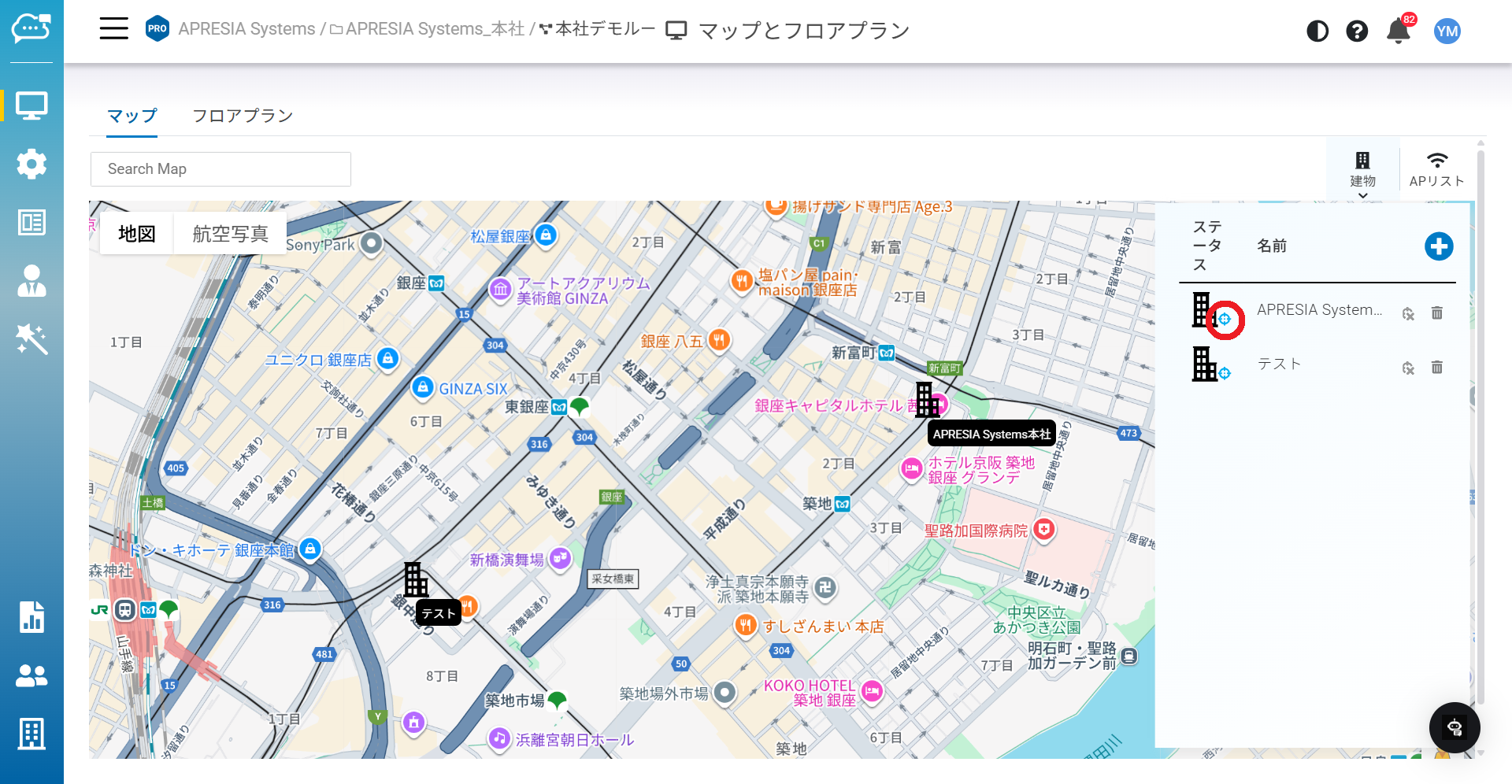
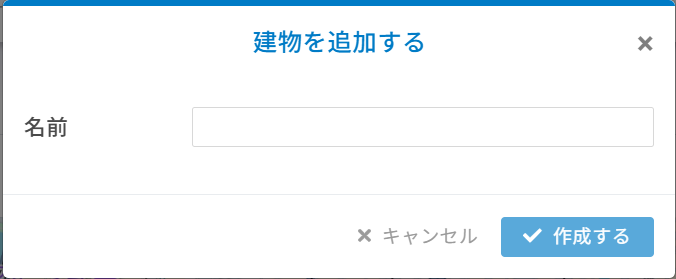
「**建物**」は複数のフロアプランの集合体を指します。「」ボタンで新しい建物を作成できます。
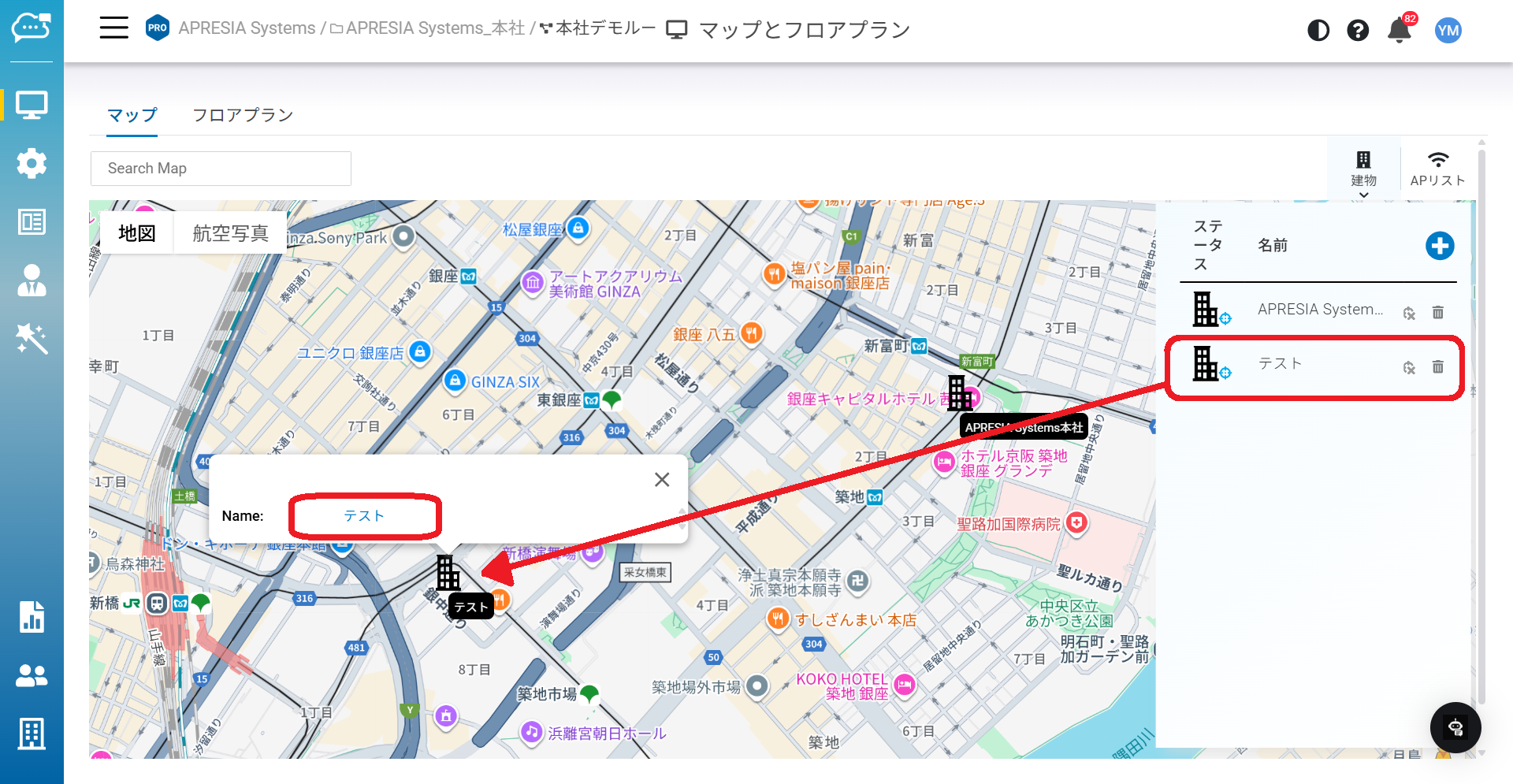
建物は作成後、リストに追加されます。追加された建物をマップ上にドラッグできます。\
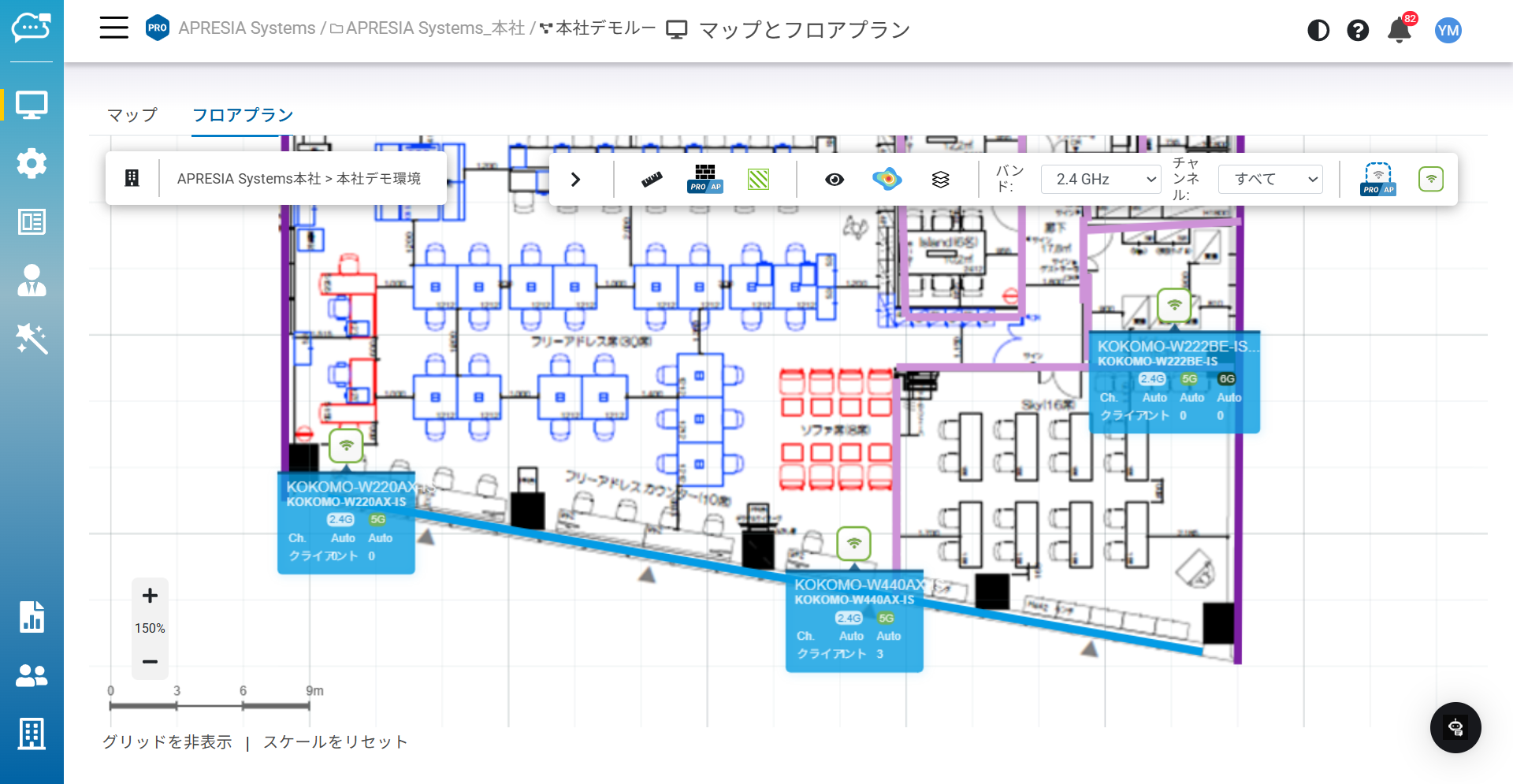
建物アイコンをシングルクリックするとハイパーリンクが表示され、フロアプランの編集が可能になります。
## ナビゲーション
マップ表示をナビゲートするための方法はいくつかあります。
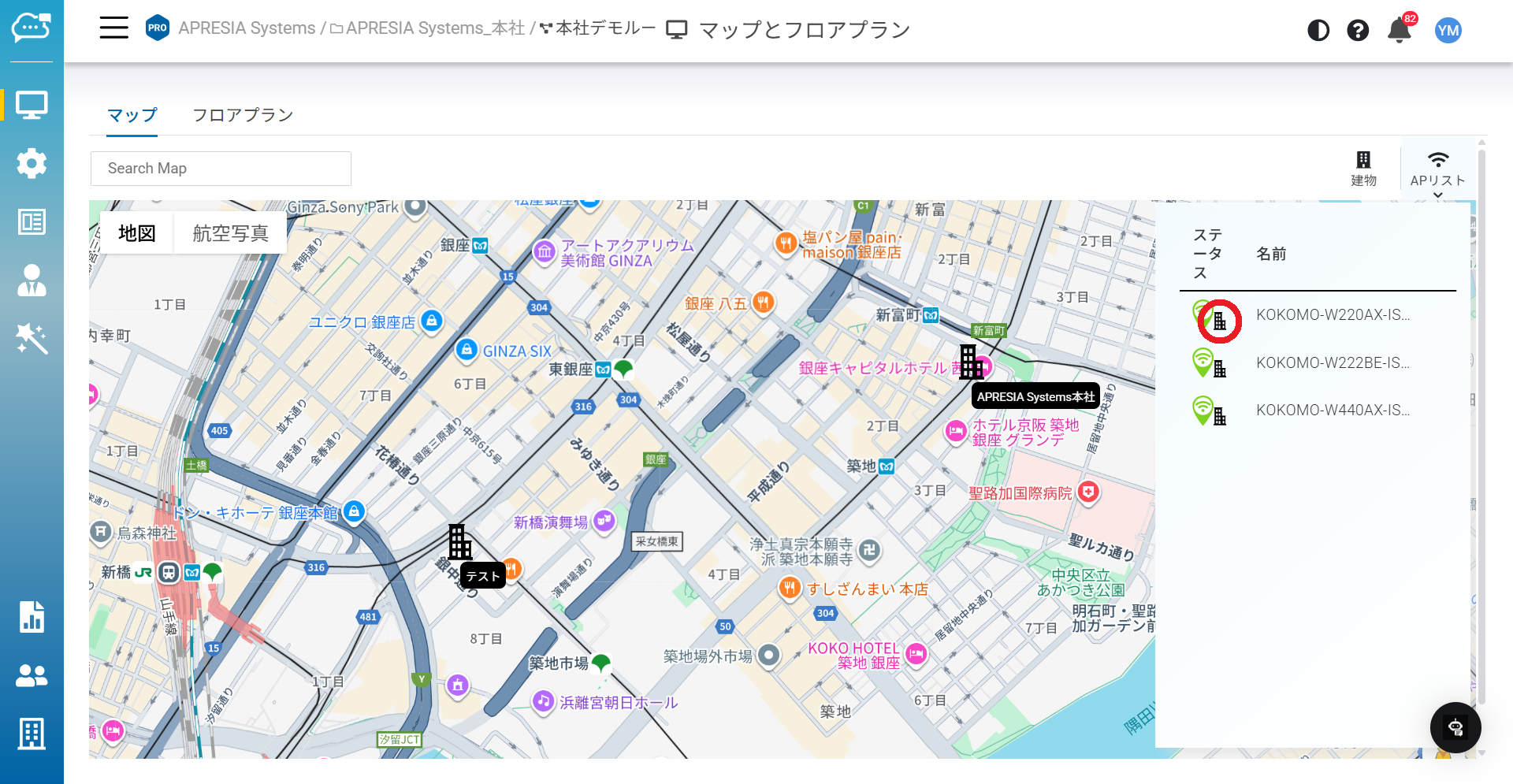
**シングルクリック**:アクセスポイントや建物リストのフォーカスアイコン「」をシングルクリックすると、マップ内の同じ項目に自動的に移動します。
**ダブルクリック**:アクセスポイントリストの建物アイコンをダブルクリックすると、その建物のフロアプランに自動的に移動します。
---
# Agent Instructions
This documentation is published with GitBook. GitBook is the documentation platform designed so that both humans and AI agents can read, navigate, and reason over technical content effectively. Learn more at gitbook.com.
## Querying This Documentation
If you need additional information that is not directly available in this page, you can query the documentation dynamically by asking a question.
Perform an HTTP GET request on the current page URL with the `ask` query parameter, and the optional `goal` query parameter:
```
GET https://docs.lan.kokomocloud.com/managing-devices/device-map-location.md?ask=&goal=
```
`ask` is the immediate question: it should be specific, self-contained, and written in natural language.
`goal` is optional and describes the broader end goal you are ultimately trying to accomplish on behalf of the user. GitBook uses it to tailor the answer towards what is most useful for that goal.
The response will contain a direct answer to the question and relevant excerpts and sources from the documentation.
Use this mechanism when the answer is not explicitly present in the current page, you need clarification or additional context, or you want to retrieve related documentation sections.
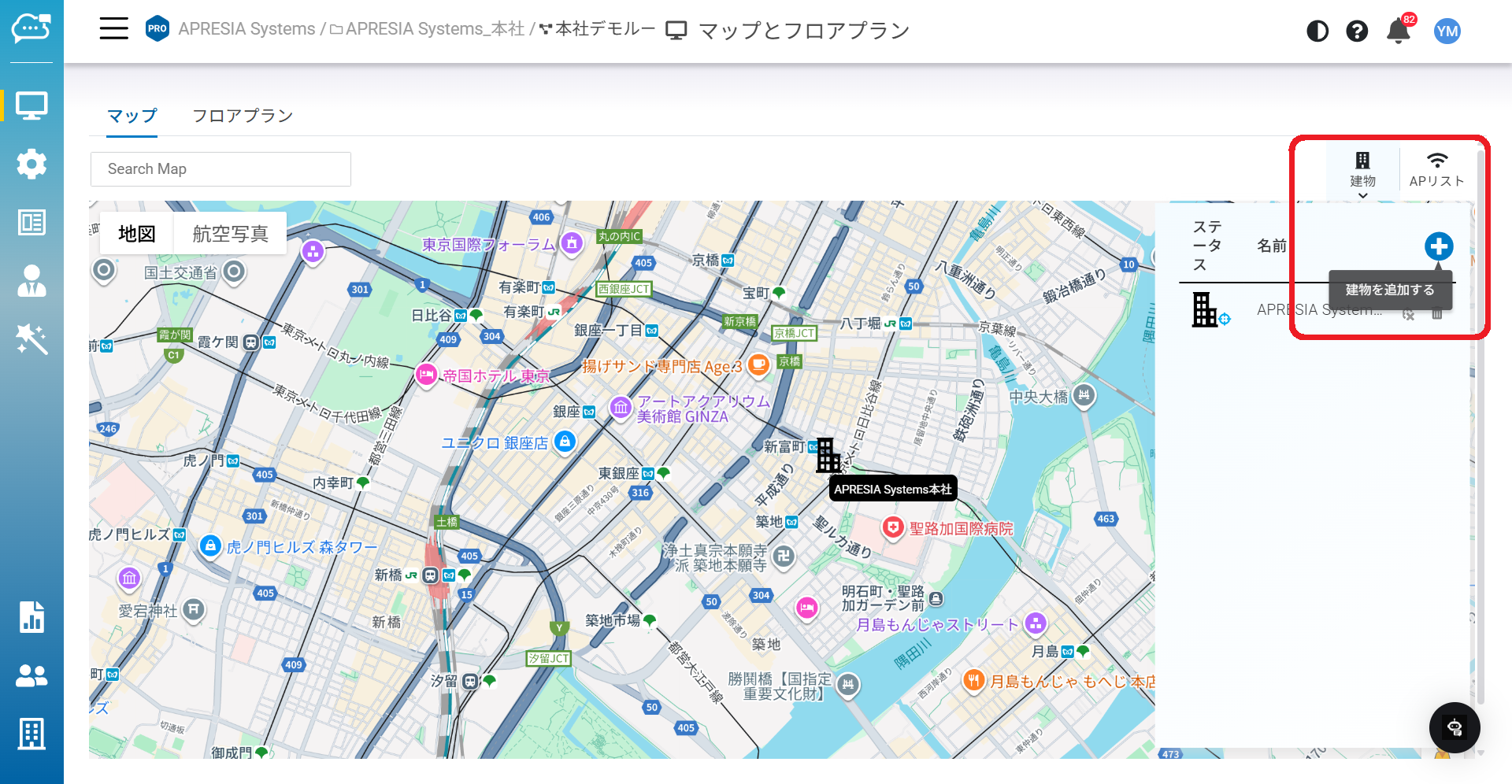
 」ボタンで新しい建物を作成できます。
 」をシングルクリックすると、マップ内の同じ項目に自動的に移動します。